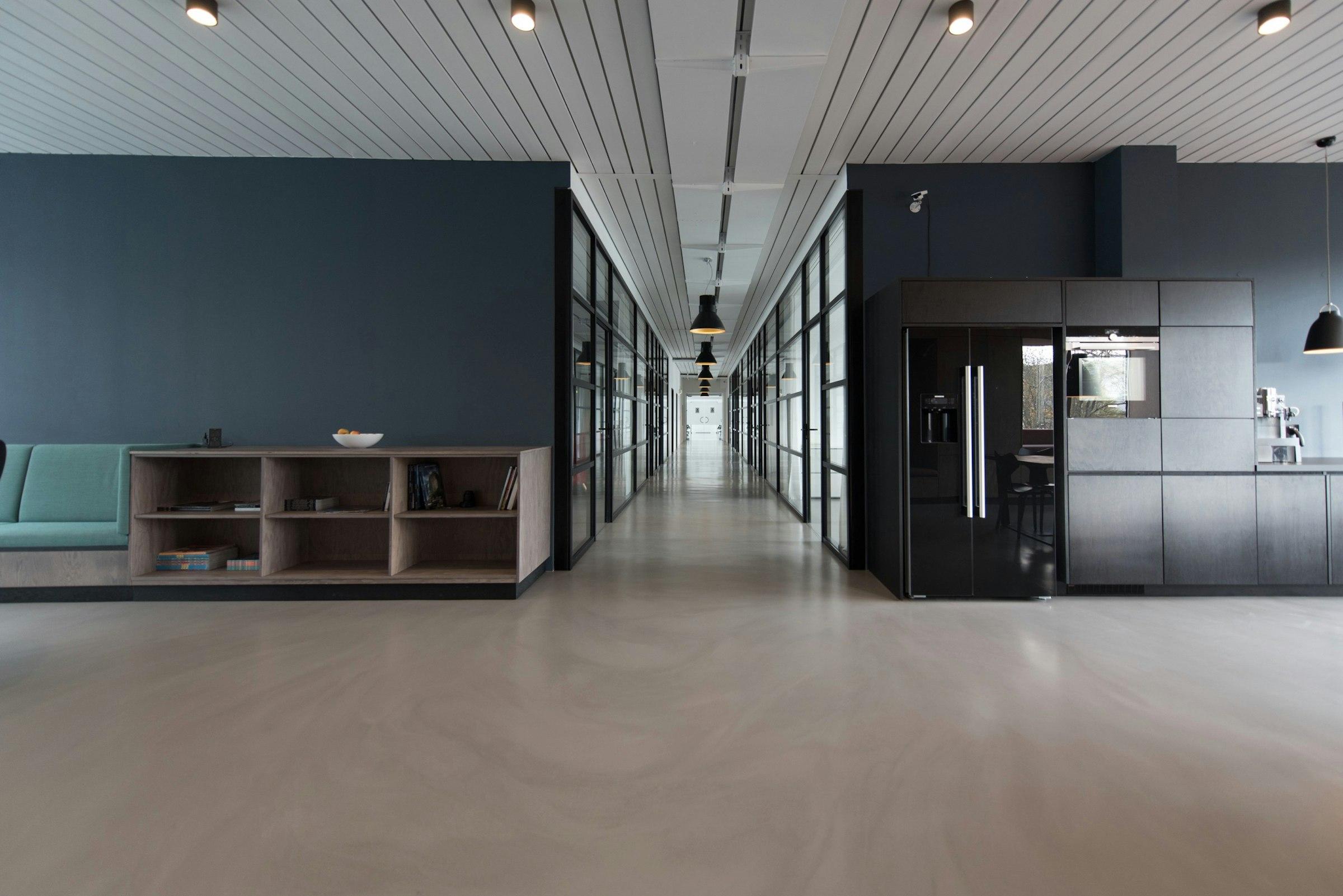
The first screen a new user sees is usually blank. Why we design that screen before the full one, and what it teaches us about the whole product.

Most design mockups show a product at its best. The dashboard is full of tidy charts. The inbox has twelve well-named messages. The project list is long enough to look busy but short enough to fit the screen.
Then a real person signs up, and they see none of that. They see an empty page.
The screen everyone sees
Every user meets the empty state. Not some users, every one of them, and at the most fragile moment: right after signing up, before they’ve decided whether the product is worth their time.
Yet it’s usually the last screen anyone designs. It ends up as a grey box with “No items yet” in the middle, added the week before launch because a developer noticed the page looked broken.
We flipped the order. On every new feature, the empty state is the first thing we sketch.
What a good one does
A good empty state answers three questions without making anyone read a manual:
- What is this place for? One sentence, in plain words.
- What should I do first? One clear action, not a menu of six.
- What will it look like when it works? A small preview, an example, or a sample record they can delete.
When we can’t answer those three questions for a screen, that’s a sign the feature itself isn’t clear yet. Better to find that out with a sketch than with a finished build.
It shapes the full version
Designing the blank screen first changes the full screen too. Once you’ve written the one sentence that explains a page, the headings and labels on the busy version tend to follow from it.
On Logbook, our client project tracker, the empty project page started as a single line: “Every update you post here lands in your client’s inbox.” That sentence ended up deciding the layout of the whole page. Updates came first, everything else moved to the side.
Other empty states
The first-run screen isn’t the only empty state. There are quieter ones that are just as easy to forget:
- A search that finds nothing.
- A filter that hides every row.
- A list where the user has deleted everything.
- A report for a date range with no data.
Each of those needs its own words. “No results for ‘invoce’. Check the spelling, or search all projects” is far more useful than “Nothing found.”
Shipping it in week one
Because the empty state is the first screen a user sees, it’s also a good first thing to ship. It’s small, it’s visible, and it forces the team to agree on what the feature is for before anyone builds the complicated parts.
If you can’t explain a screen when it’s empty, you won’t be able to explain it when it’s full.
Small screen, big signal
Empty states aren’t glamorous. Nobody puts them in a portfolio. But they’re where new users decide whether to stay, and they’re where we find out whether we really understand what we’re building.
So we start there, every time, and the rest of the design gets easier for it.